
5 creative QR code ideas for your CV
With today’s increasingly competitive job market, employers are paying attention not only to the content of a job resume but also to how it’s presented. Research shows that recruiters spend roughly 6 to 10 seconds scanning a CV before deciding whether to continue reading. To stand out among hundreds of candidates, it’s essential to use unconventional approaches, and QR codes are becoming one of the most effective tools.
They turn a static document into an interactive experience, instantly directing recruiters to your portfolio, video introduction, or additional materials. This not only makes it easier to digest information but also highlights your digital literacy and creativity.
Here are five innovative ways to use QR codes in a resume that can help you make a strong first impression and stay memorable.
Link to a personal portfolio
The most obvious (yet still underrated) use is to add a QR code linking to your online portfolio. This is especially useful for designers, marketers, developers, copywriters, or anyone whose work can be showcased visually.
Why it works:
- The hiring manager doesn’t have to type a long URL, as scanning a QR code takes just a second.
- You can instantly demonstrate your real work instead of merely describing it.
- It builds trust and makes your resume seem more dynamic and engaging.
Tip. Use a short, branded URL (e.g., cv.yourname.me/portfolio) to keep it clean and memorable. Add a label like “Scan to view my projects” and double-check that the link is mobile-friendly.
Video presentation or introduction
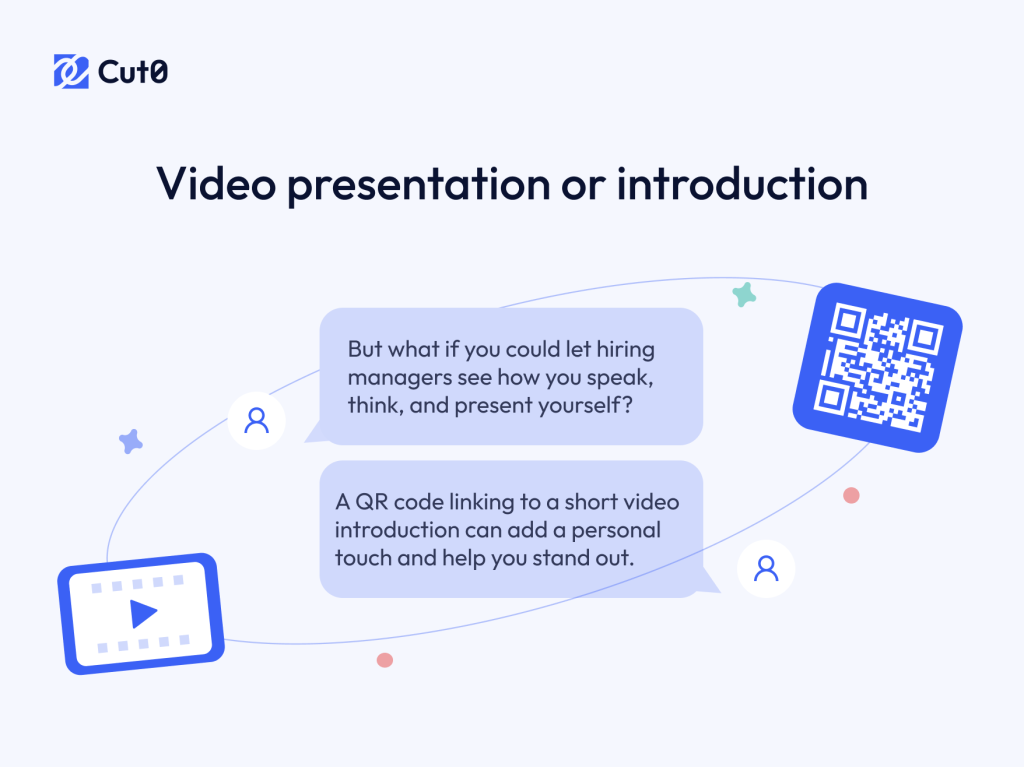
A resume only shows a part of who you are. But what if you could let employers see how you speak, think, and present yourself? A QR code linking to a short video introduction can add a personal touch and help you stand out.
How it works:
- Record a 60-90 second video introducing yourself, your background, and what drives you professionally.
- It can be a general self-introduction or a message tailored to a specific company.
- Host the video on YouTube (unlisted), Google Drive, or Vimeo.
This approach helps you build immediate emotional connection and trust, shows off your communication skills, confidence, and personality, and is great for jobs where people skills matter more than what’s on your resume.
Interactive resume or landing page
Traditional resumes are limited to one or two pages. That’s not nearly enough to fully showcase your experience, achievements, and personality. A QR code can link to an interactive resume or landing page that tells your story in a structured and creative way.
What it could include:
- A mini-site built with Notion, Readymag, WordPress, or Carrd.
- Sections featuring your work samples, videos, testimonials, and recommendations.
- Infographics, sliders with case studies, or even an industry-specific blog.
The advantages of this approach include breaking free from the limitations of the PDF format, showcasing your presentation skills and comfort with modern tools, and providing recruiters with more reasons to contact you. And yes, standing out from the crowd and looking way more professional.
Important. Make sure the page is mobile-optimized as most QR code scans happen on phones. Consider adding a small preview image and label the QR code clearly, e.g., “View extended resume”.
Reviews and recommendations
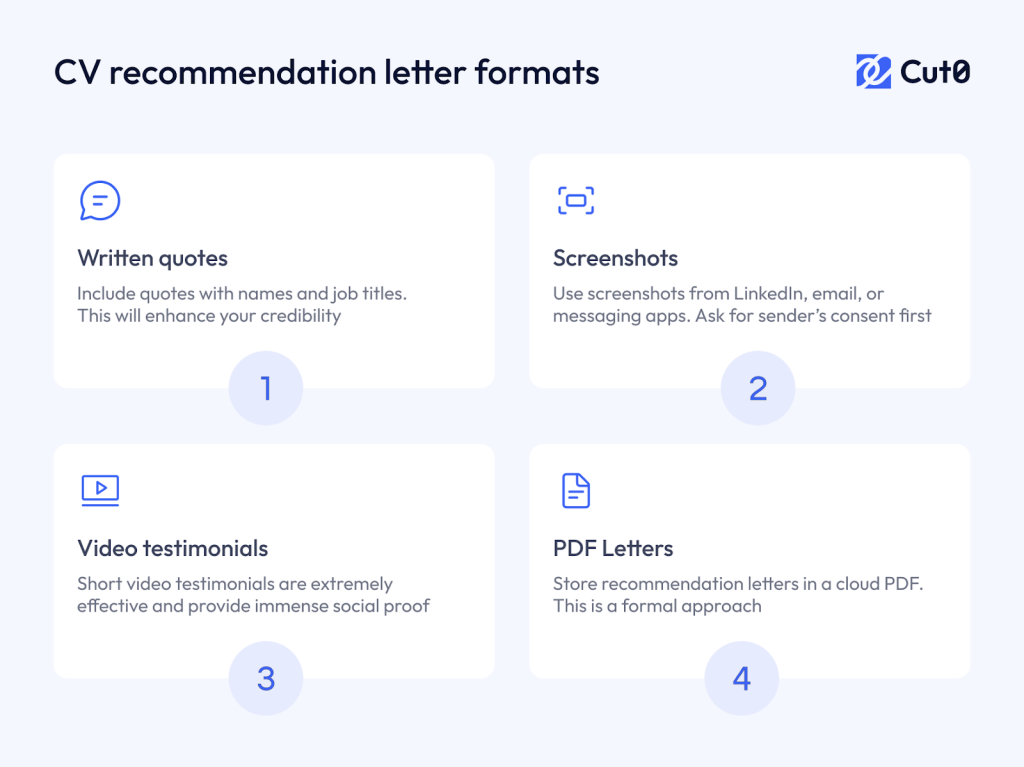
References from former colleagues, clients, or professors can greatly enhance your credibility. Instead of attaching separate documents, include a QR code that leads to a dedicated page with testimonials.
Formats could include:
- Written quotes with names and job titles.
- Screenshots from LinkedIn, email, or messaging apps.
- Short video testimonials (especially effective in creative industries).
- A PDF with recommendation letters stored in the cloud or on Google Drive.
The benefits of this approach include reinforcing your credibility, supporting the claims made in your resume, and providing social proof even when formal letters of recommendation are not available to potential employers.
Tip. Label your QR code clearly! For example, “Recommendations from former colleagues” or “What others say about me.” Ensure the link is public and doesn’t require any login or special access.
Achievements stats or interactive infographics
Numbers speak volumes, especially when presented in a visually engaging way. A QR code can link to dynamic infographics that showcase your KPIs, growth metrics, and results from past projects. These are often hard to include in a standard resume but are essential for proving your value.
What you can show:
- Leads or sales growth from specific projects.
- Number of clients acquired or accounts managed.
- Task completion rates or project milestones.
- Progress in training, upskilling, or certifications.
Formats to consider:
- Interactive charts (using tools like Canva, Flourish, or Notion).
- PDF summary reports.
- Personal dashboards (ideal for analysts, marketers, and managers).
The advantages of this approach include making your achievements more tangible and persuasive, helping you stand out by emphasizing results, and being particularly effective in digital and data-driven fields.
Tip. You can use the Napkin AI tool to generate an infographic in mere seconds from any given piece of text.
QR codes are a simple yet powerful way to transform your resume from static to interactive, and from forgettable to memorable. They allow you to share more context, more personality, and more value in just one scan.
Keep it balanced! Don’t overload your resume with multiple QR codes, and always provide a short label or explanation. Test all links beforehand to ensure they work seamlessly on mobile and look professional. Make sure they are accessible to other people and not set to private or require a login.
Even one well-placed QR code can dramatically increase the chances of getting noticed. Give it a try and see how a tool often used in marketing can open doors in your career.
Use the Cut0 QR code generator to create sleek, professional QR codes that seamlessly connect potential employers to your online portfolio, LinkedIn profile, or any other valuable resource. Start using Cut0 today and transform your career prospects!